
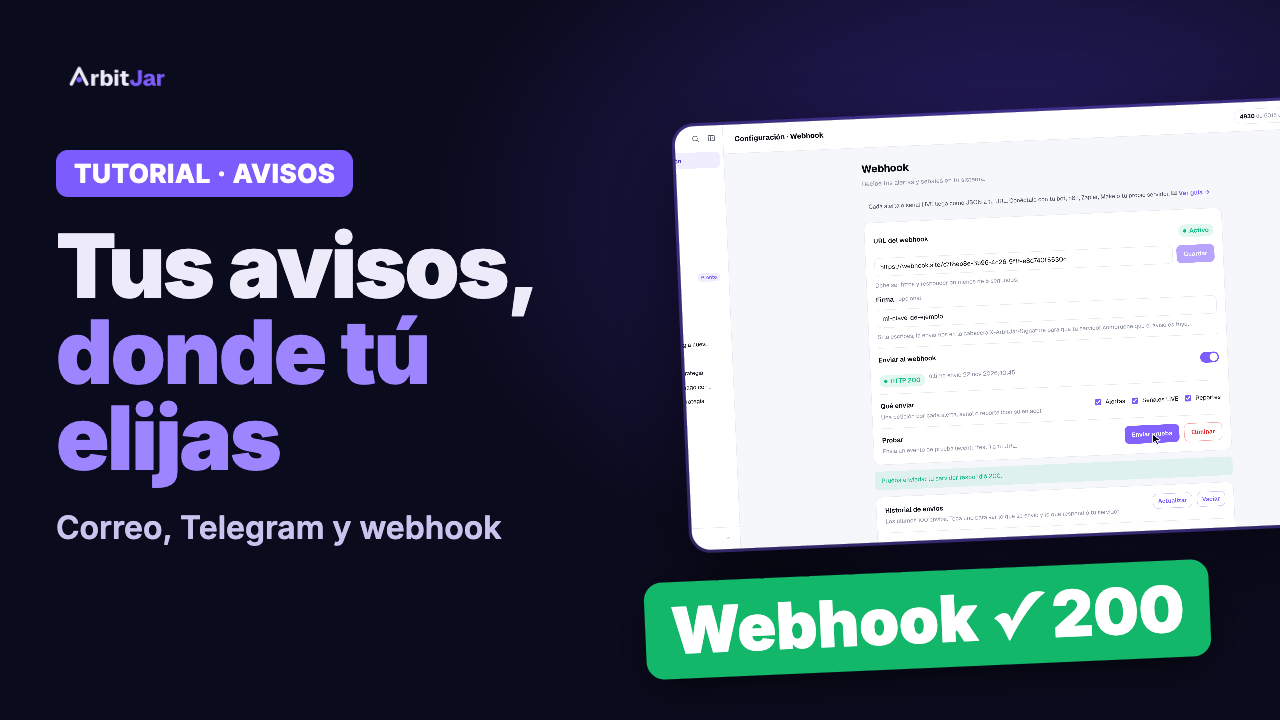
Video: Email, Telegram, or webhook alerts
Can't see the video? Open it on YouTube.
How do you get notified when a strategy alert or LIVE signal triggers? Where you choose: by email, Telegram, or into your own system via webhook.
In the video
- Settings → Notifications: enable or disable email, Telegram, and webhooks separately.
- Connect Telegram with our @arbitjar_bot in three steps.
- Sleep mode: during these hours, we won't send signals or alerts via Telegram or email.
- Webhook: paste your URL (https), an optional signature, and choose what to send: alerts, LIVE signals, and reports.
- Send test: your server responds, and you see it instantly.
- Sending history with what was sent (headers and JSON) and your server's response, plus an example of each notification.
Works with your bot, n8n, Zapier, Make, or your own server.
Chapters
- 0:00 Introduction
- 0:16 Where we notify you
- 0:41 Configure your webhook
- 1:07 Test and history
- 1:33 Closing
Webhook guide: https://arbitjar.com/blog/arbitjar-webhook-alerts-signals
Try it yourself
Visit app.arbitjar.com and try it for free.
Educational content. This is not financial advice or an investment recommendation. The results shown are simulations based on historical data, including commissions, and do not guarantee future results. ArbitJar does not trade for you: you always decide.